
Beta · design partners
Trace and proofread neurons together.
Trace and proofread neurons together.
Know where every one stands.
Every neuron to trace arrives as a task from your pipeline. Tracers open theirs in one click, join the fragments and fix the errors automated segmentation leaves, right in the browser. Reviewers check each neuron in the same view, then approve it or send it back with feedback.
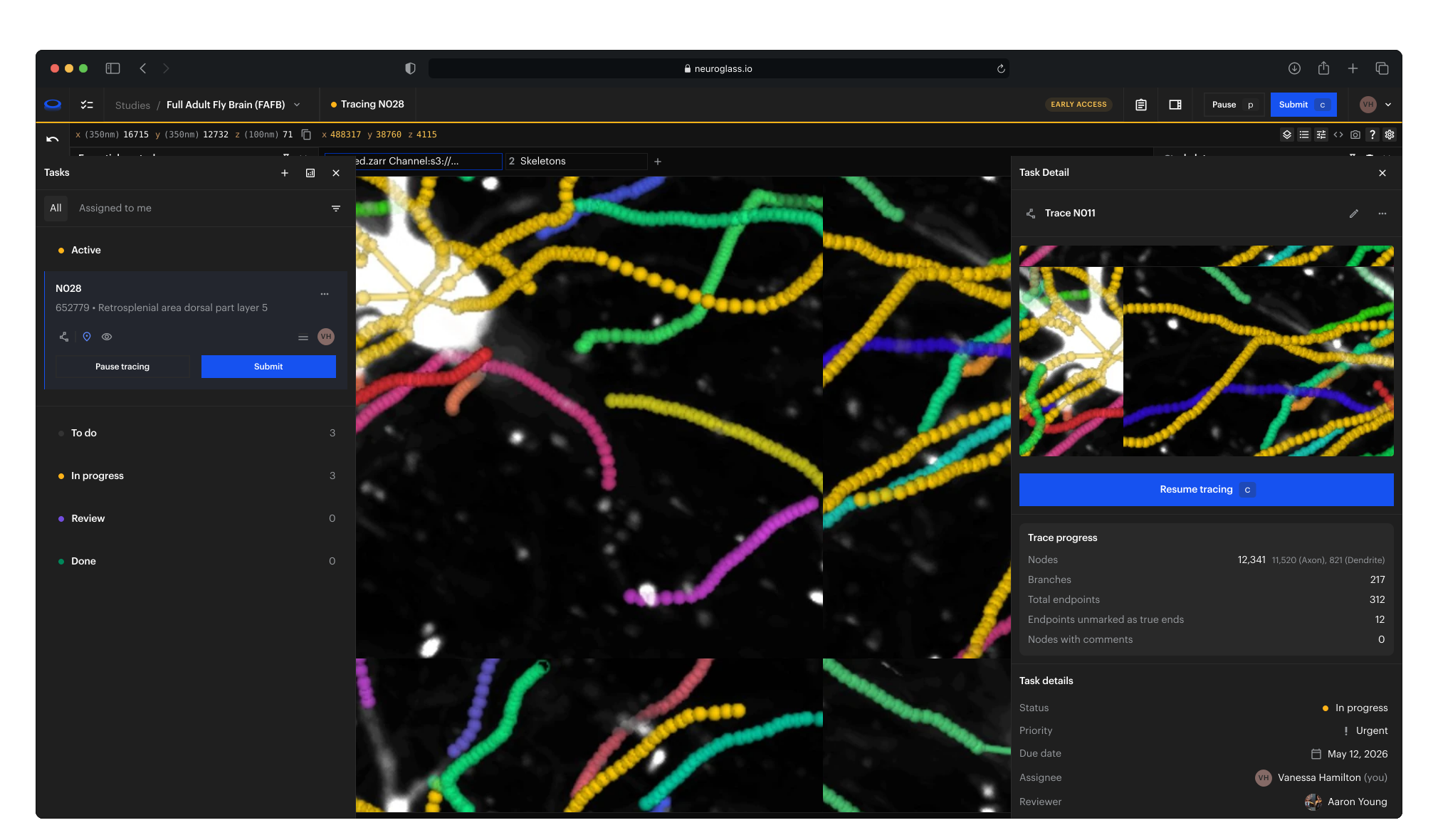
A task for every neuron
Assign neurons to tracers or let them claim the next one, and see what is waiting, in progress and in review without a spreadsheet.
Straight to the neuron
One click opens the task on its neuron, highlighted, with the tracing tools ready. Pause, and the task keeps your view.
Reviewed in place
Tracers hand a neuron over with its statistics and a note. Reviewers open it as the tracer left it and approve it or send it back with feedback.
Why it matters
No more spreadsheets, links and streamed desktops
Fixing the errors that automated segmentation leaves is where most of a reconstruction's time goes. It takes a team of tracers and reviewers, often at several sites. Skeleton Tracing gives them one place for all of it: who traces which neuron, the tracing itself, and the review.
No more tracking sheets
Every neuron is a task with its tracer, reviewer and status, so the whole team, at every site, sees what is waiting, in progress, in review or done.
No more hand-offs by link
A finished neuron goes to review in one click, with its statistics and a note. The reviewer opens it exactly as the tracer left it and approves it or sends it back with feedback, so every tracer is held to the same standard.
No more streamed desktops
Tracing runs in the browser, straight from your storage, so anyone on the team opens their next neuron wherever they work, with nothing to download or install.
What you can do
From candidate soma location to approved neuron
Plan · Import
Your neurons arrive as tasks
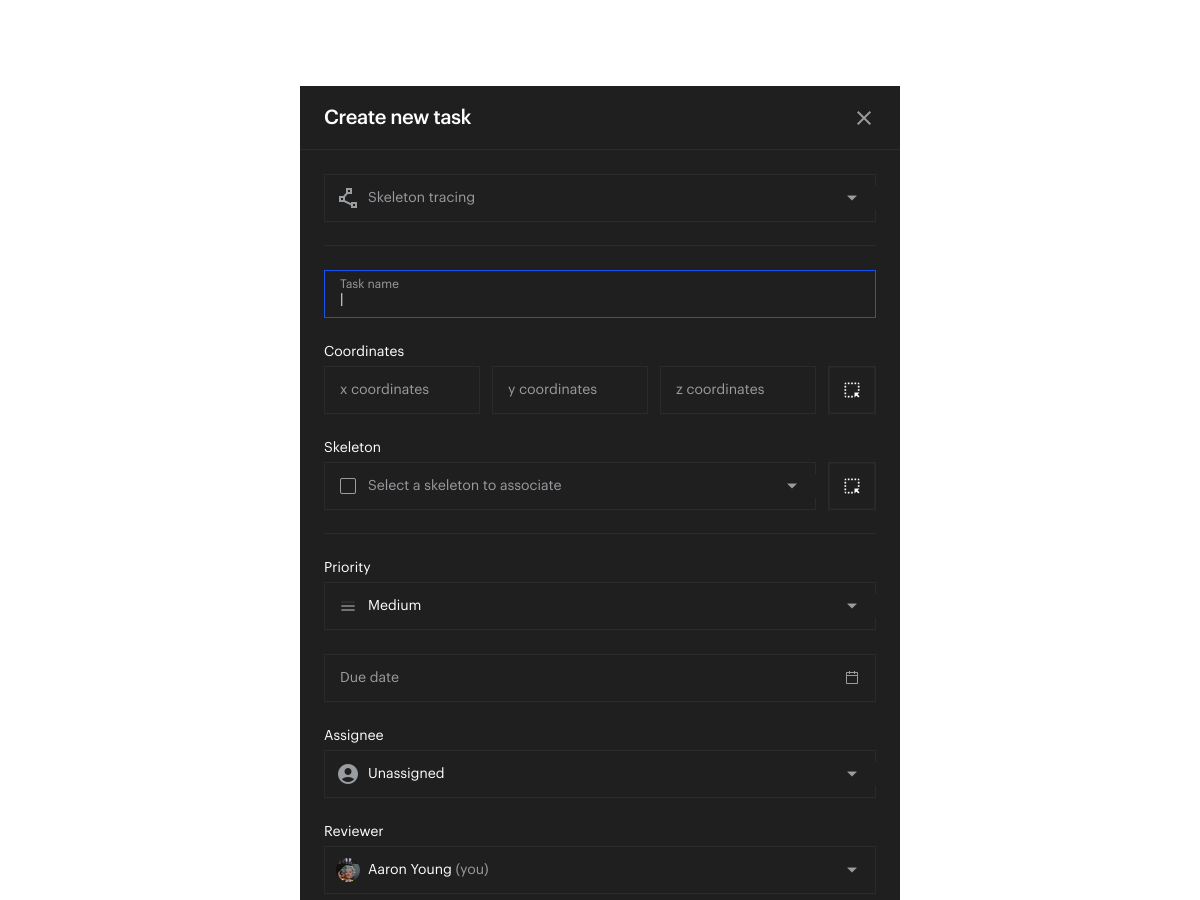
Each candidate soma location from your pipeline becomes a task, created through the API with the fragments to start from, so a whole brain's worth is ready on day one. If you spot a neuron the pipeline missed, add it from a point on the image.
Plan · Assign
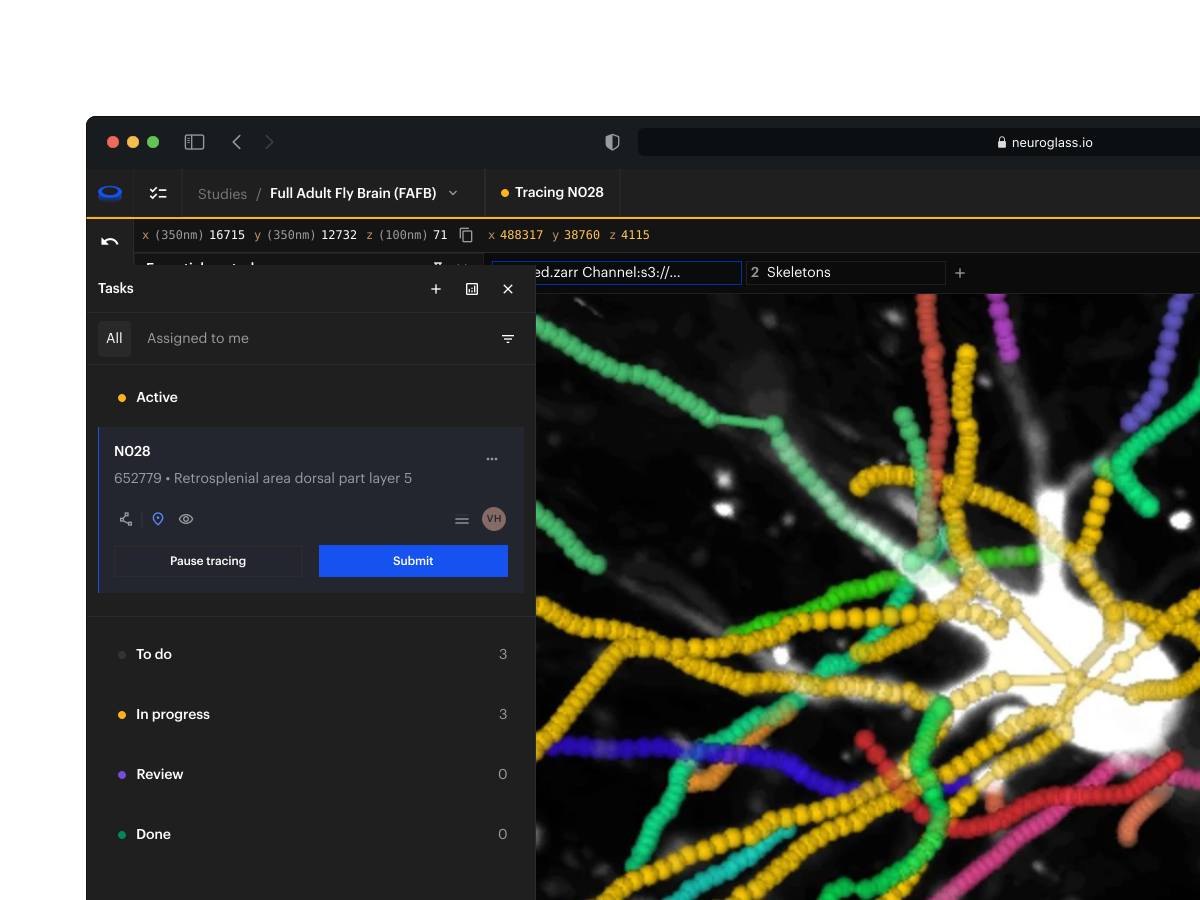
Decide who traces and who reviews
Each task carries its tracer, its reviewer, a priority and the view it opens in. Assign neurons from the list, or let tracers claim the next unassigned one.
Trace · Trace
Trace it in the browser
The tracer opens their next neuron in one click and joins the fragments into a single skeleton, splitting false merges and jumping to the next open end from the keyboard. Edits are saved as they go, and everyone in the study sees them.
Trace · Progress
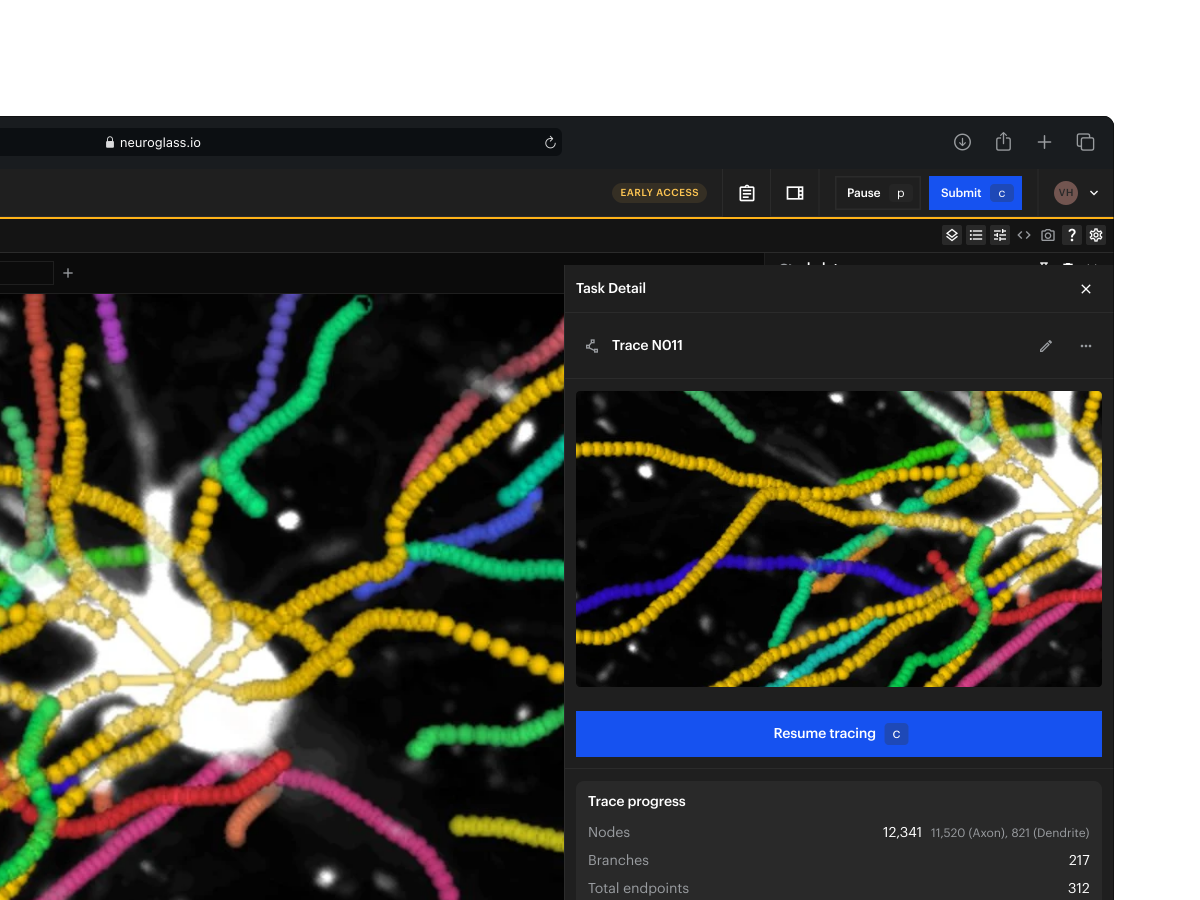
See how far each neuron has got
The task keeps count of nodes, length, branches and endpoints while the tracer works, so the lead knows where every neuron stands without opening it.
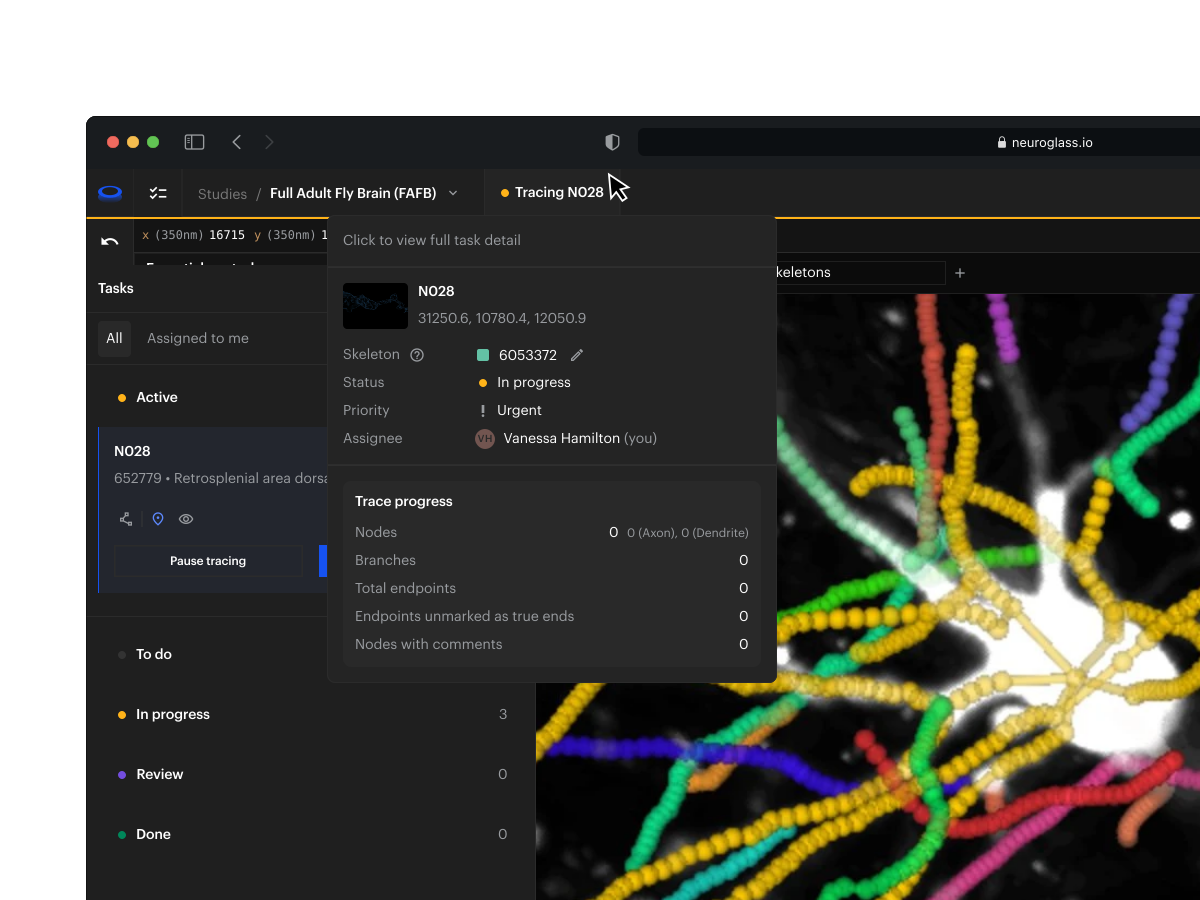
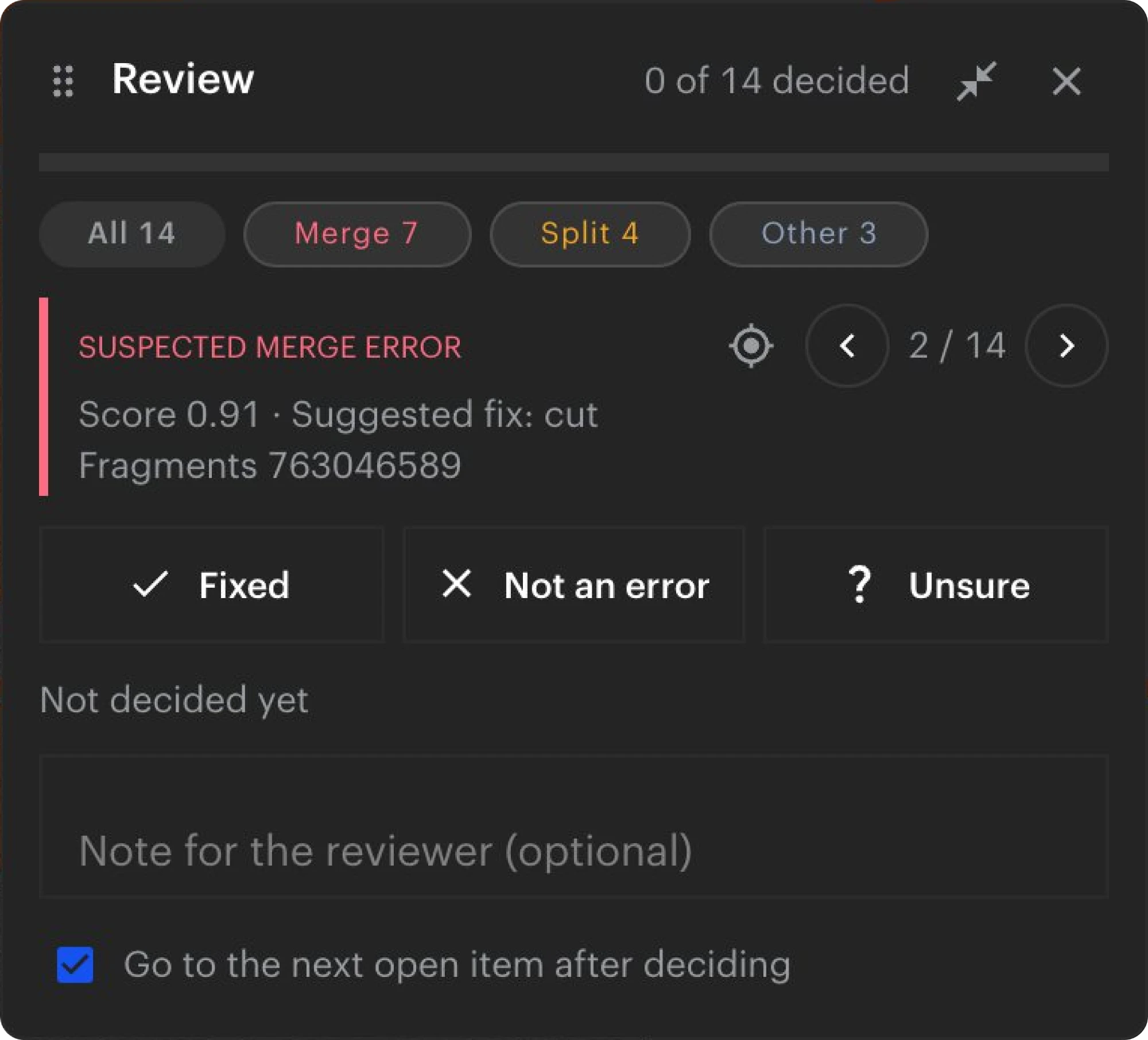
Review · Flagged errors
Fix the errors a model flagged
When a model or a script has flagged likely merge or split errors, each neuron gets its own list. The tracer jumps to each spot, sees the suggested fix, and marks it fixed, not an error or unsure.
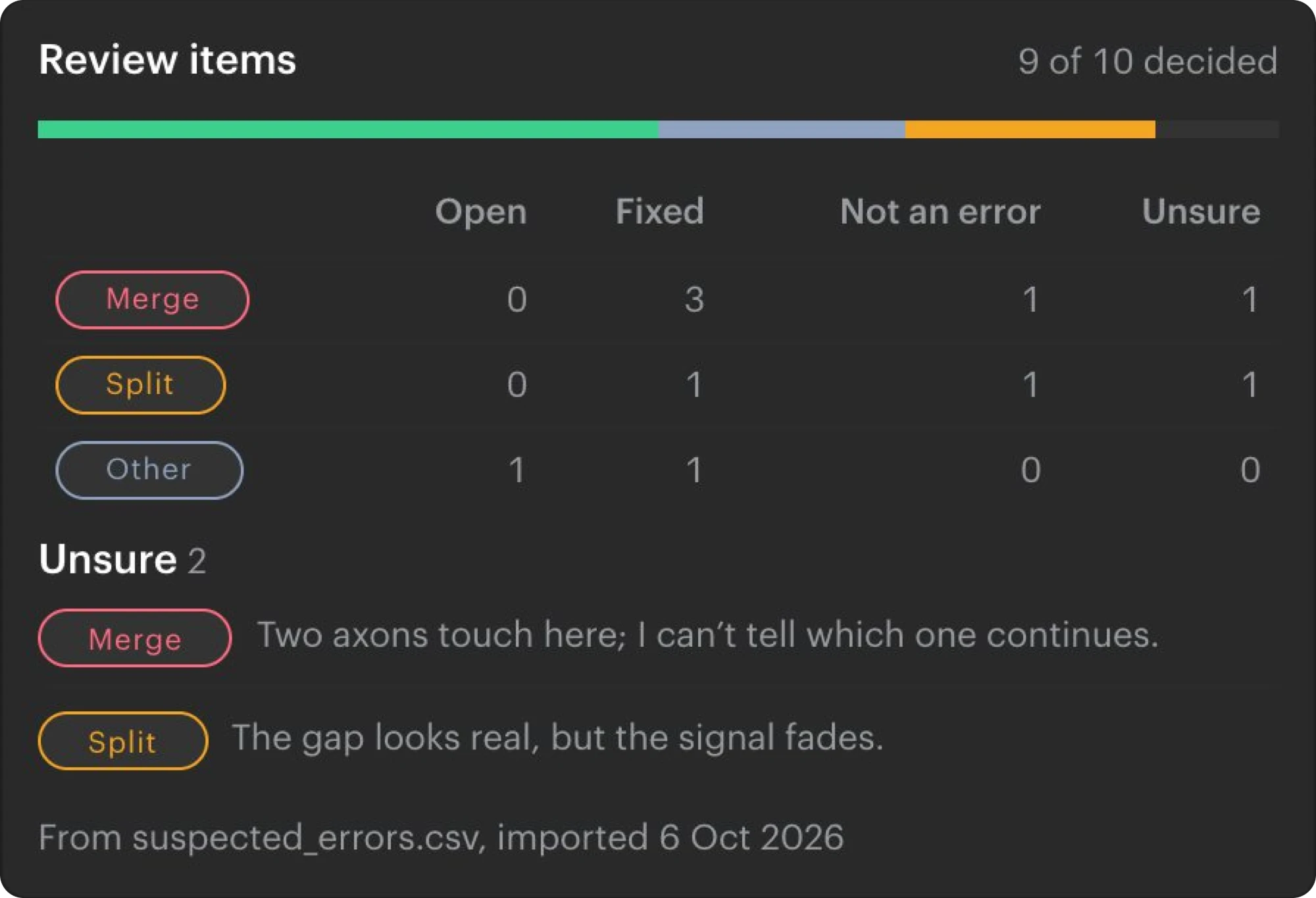
Review · Approve
Approve it, or send it back
The reviewer opens the submitted neuron exactly as the tracer left it, sees what happened to every flagged spot, and approves it or sends it back with a note. The task's history keeps who did what.
Tracing images: a whole mouse brain imaged with light-sheet microscopy, from the Allen Institute for Neural Dynamics' open data (CC BY 4.0). Review images: FAFB, the full adult fly brain (Zheng et al., Cell 2018), with example review items.
How teams use it
Built for teams that reconstruct neurons

Whole-brain reconstruction
Follow sparsely labelled neurons across terabyte-scale light-sheet volumes, with one task per candidate soma location and the fragments from your automated segmentation to start from.

Proofreading model output
Correct the skeletons a segmentation model drafts, with the places it flags as likely errors queued for each neuron, and keep the approved neurons as ground truth for the next model.

Teams across sites
Bring in-house tracers, contracted proofreaders and collaborating labs into one study, with the same tasks and the same review for everyone, and nothing to install.
Built on Neuroglancer and CATMAID
Your skeletons stay in open tools
Skeleton Tracing brings Neuroglancer's fast display and CATMAID's skeleton store into one application. Both are open source, so your skeletons stay readable without NeuroGlass, and your images stay where they are.
Tracing tools built into Neuroglancer, open source and contributed back to the main project
Start from your automated segmentation: we load tens of thousands of fragments per brain, and your candidate soma locations as tasks
Create tasks and read progress from your own scripts through the API
Images keep streaming from your own storage, on our cloud or inside your own deployment
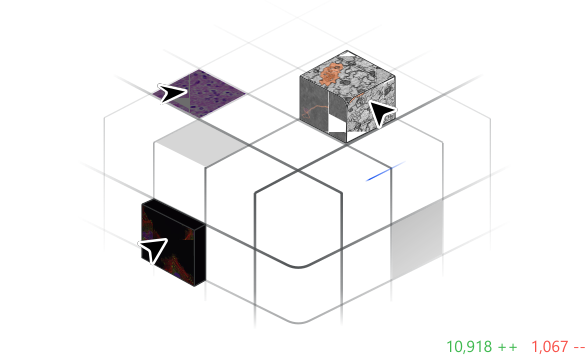
Design Partner Program
Built hand-in-hand with our design partners
Skeleton Tracing is in production with a small group of labs and tracing teams. Partners get early access, shape what we build next, and a direct line to our team.
Frequently Asked Questions
Can't find an answer? Contact us
What data can we trace on?
Can we start from our automated segmentation?
Where are the skeletons stored?
Can several people trace the same brain?
How does review work?
How do we keep quality the same across tracers?
Can a model point tracers to likely errors?
Do tracers need to install anything?
How is the module priced?
Modules
Explore the other modules
Beta · design partners
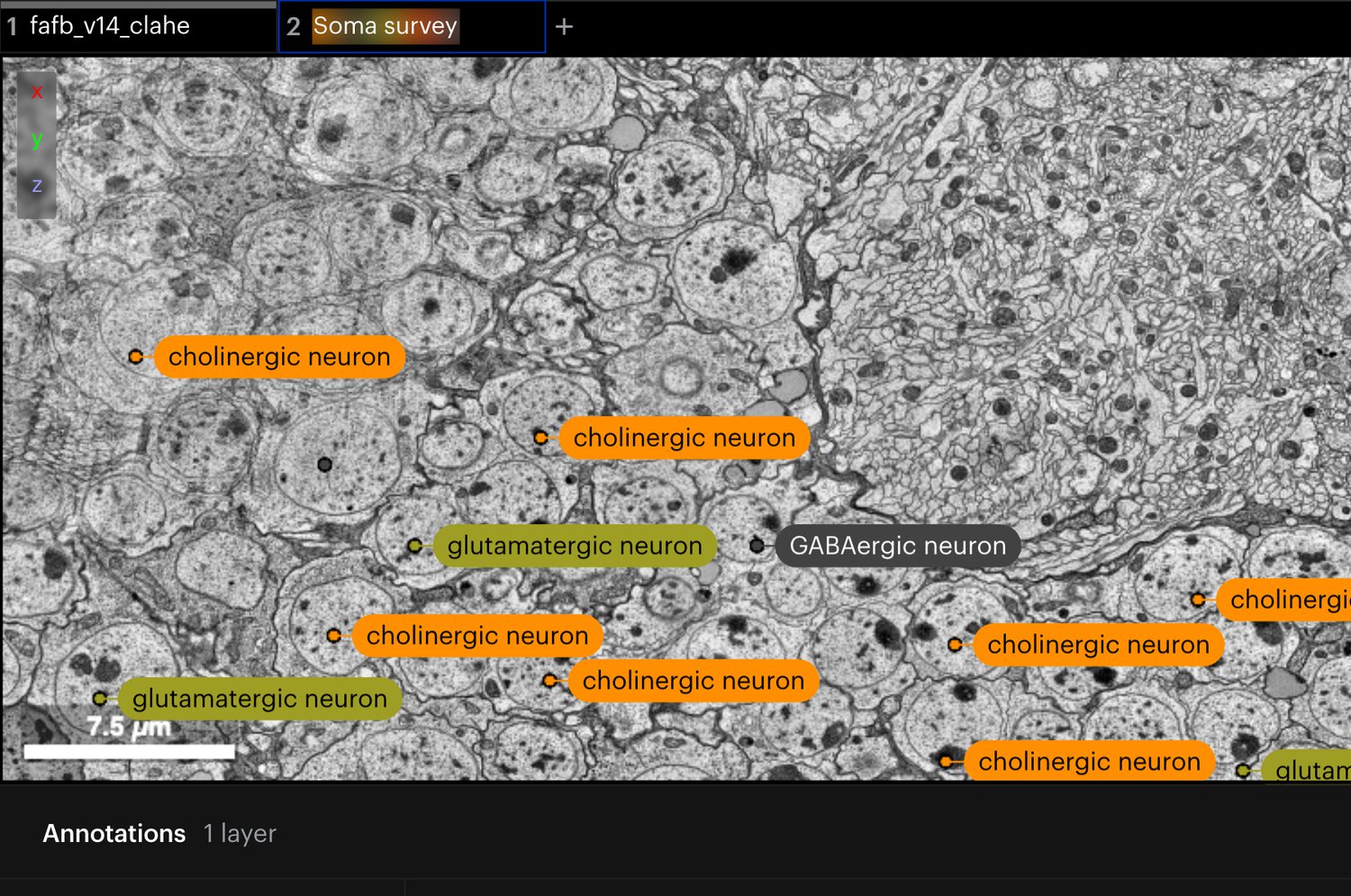
Collaborative Annotation
All modalities
Annotate together on one shared layer, with values from your own lists or ontologies, and find any annotation by its values.
Coming soon · design partners
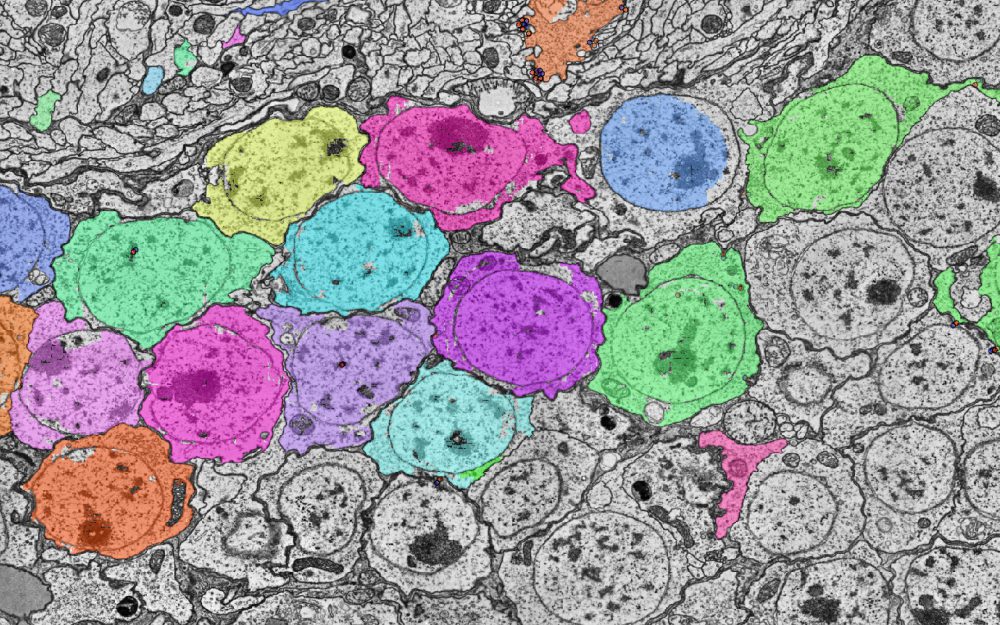
AI Segmentation
Fluorescence · LSFM · EM
Kick off automated segmentation over a region of interest, then monitor and approve the results.
Coming soon · design partners
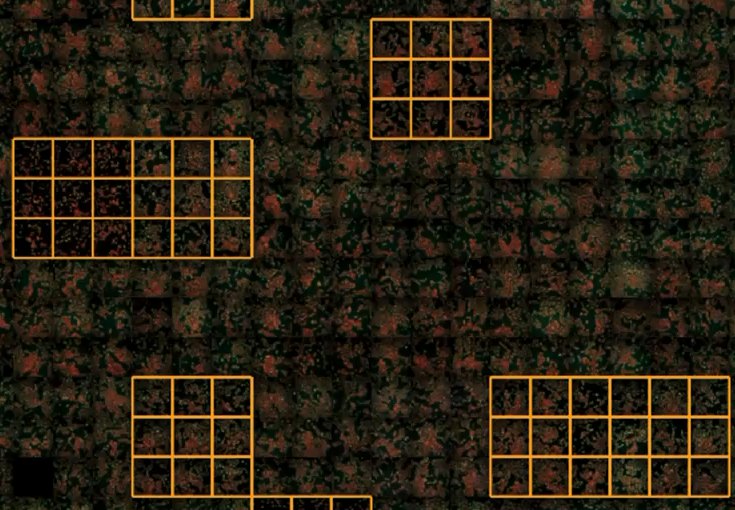
High-Content Screening
2D assays · organoids
Review, QC and confirm hits at plate scale, with your feature tables and masks overlaid on the wells.
Coming soon · design partners
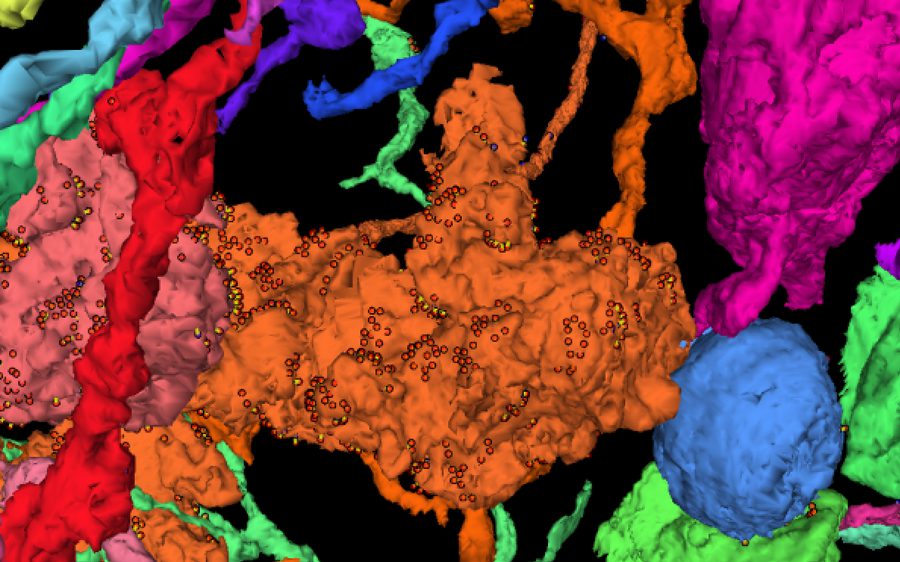
EM Reconstruction
EM · Tomography
Build and proofread ground-truth reconstructions, with a dedicated proofreading task type and review UX.


